A signature feature within all Sounds By Sjammie plugins.
See the difference.
Enable JavaScript to compare your audio with Sjammie Mode.
LowMidHigh
Sjammie Mode! In full effect!👇😏
Start with your own sound. Switch on Sjammie Mode, compare, and listen to what happens in the context of your track.
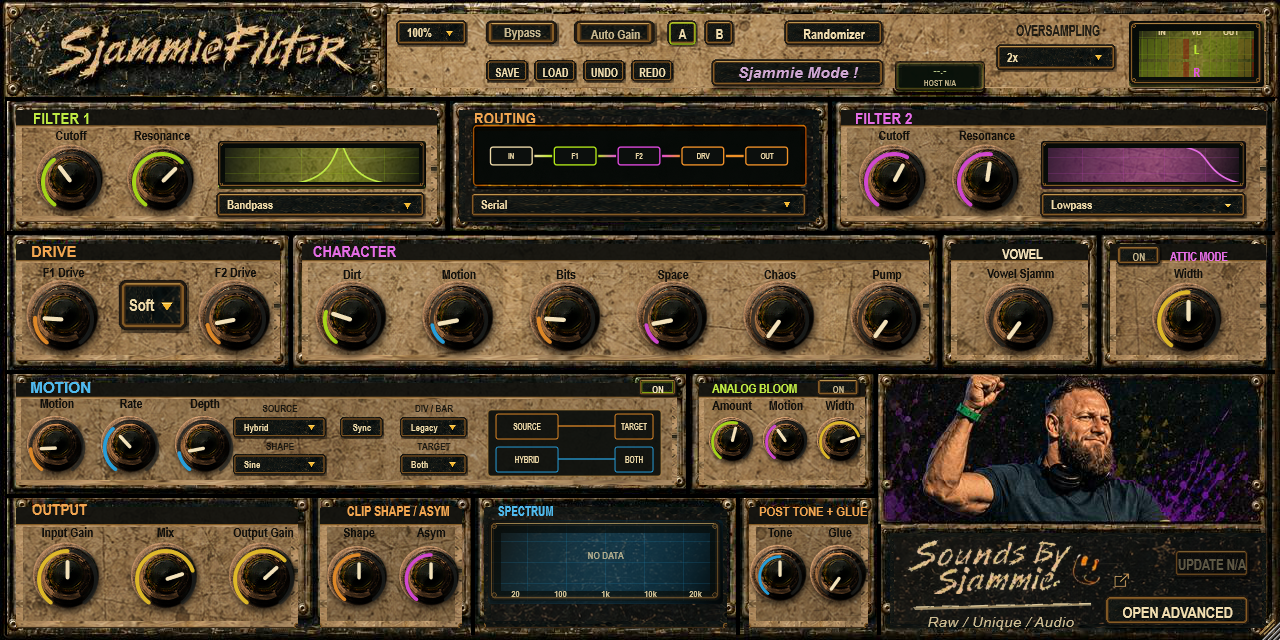
In your plugin, with your sound. In this existing SjammieFilter image, Sjammie Mode sits at the top of the panel. This shows the controls; it is not an audio demonstration.
A sound can be convincing in solo; your full mix is the real test. Let an interesting movement do the work. You do not need everything at once.
Try this
01Choose a short passage you know well.
02Compare the sound with and without Sjammie Mode.
03Judge the character at a similar listening level.
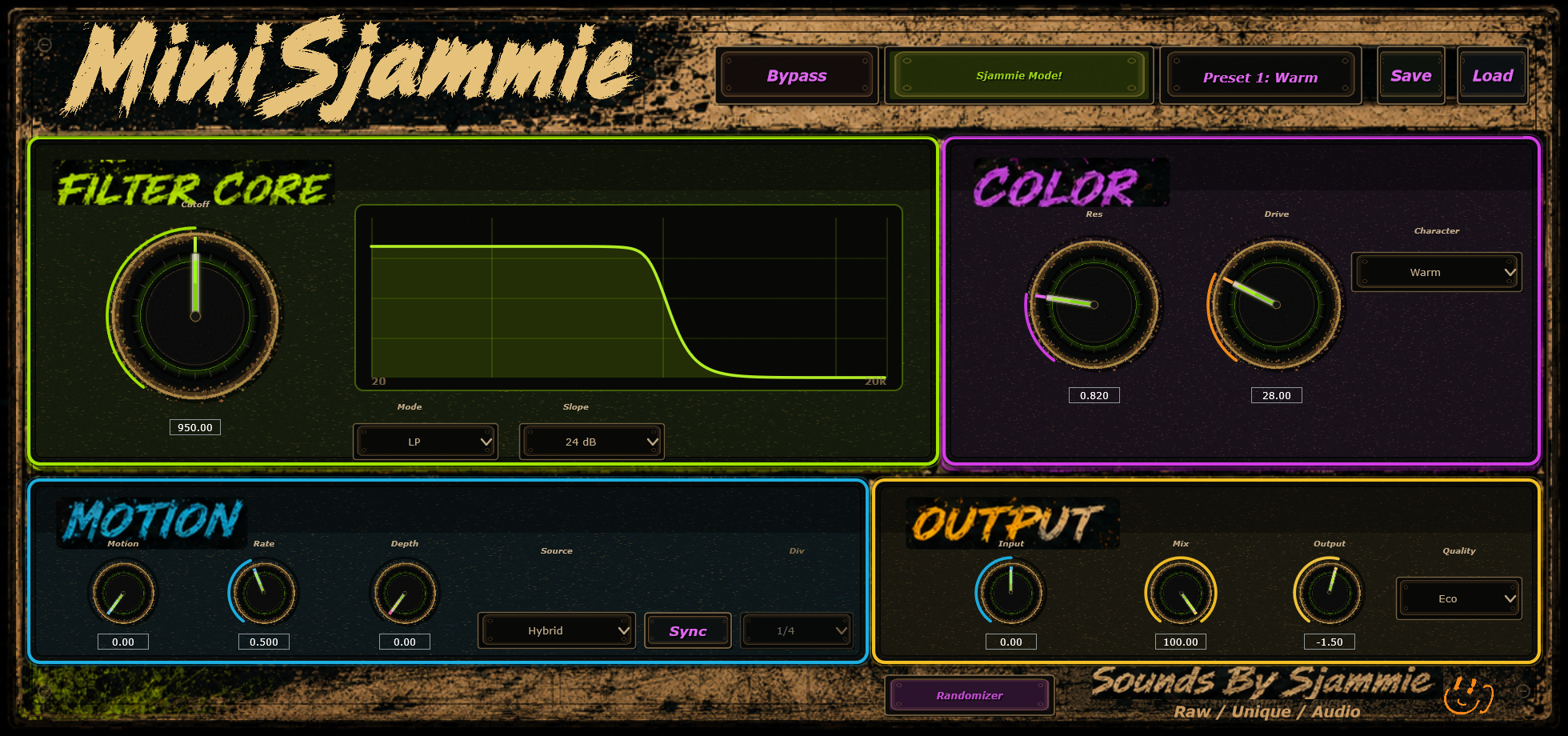
Explore the existing MiniSjammie controls tooAn earlier MiniSjammie interface image. The controls have their own place in each plugin.Explore more MiniSjammie
The exact controls and sound depend on the plugin that includes the feature.
What's under the hood?🤔
Sjammie Mode is a shared internal DSP function. It is not a standalone plugin.
Explanatory illustrationFour elements of the character
Audio signal from your plugin
↓
Sjammie Mode
Warmth
Body
Density
Presence
Linked level control
↓
On through your plugin
A diagram of the shared function, not an audio measurement. The boxes show its named elements; their positions do not represent a fixed processing order. Its place in the signal chain varies by plugin.
Product measurements will follow after validation.